
By now, you've probably figured out that we have a bit of a love/hate relationship with Airbnb.
We love staying in reasonably priced Airbnbs in great locations, especially when they're hosted by nice people.
Owning one? Well... we didn't love that quite as much. In fact, we eventually sold ours at a loss. But that's a story for another day.
The Airbnb TV Problem
Ever had trouble signing into the host's TV? Ever struggled with weird remotes? Ever spent ten minutes trying to figure out which button actually changes the TV source?
Or, even worse, forgotten to sign out of your streaming account?
Here's What We Do Now
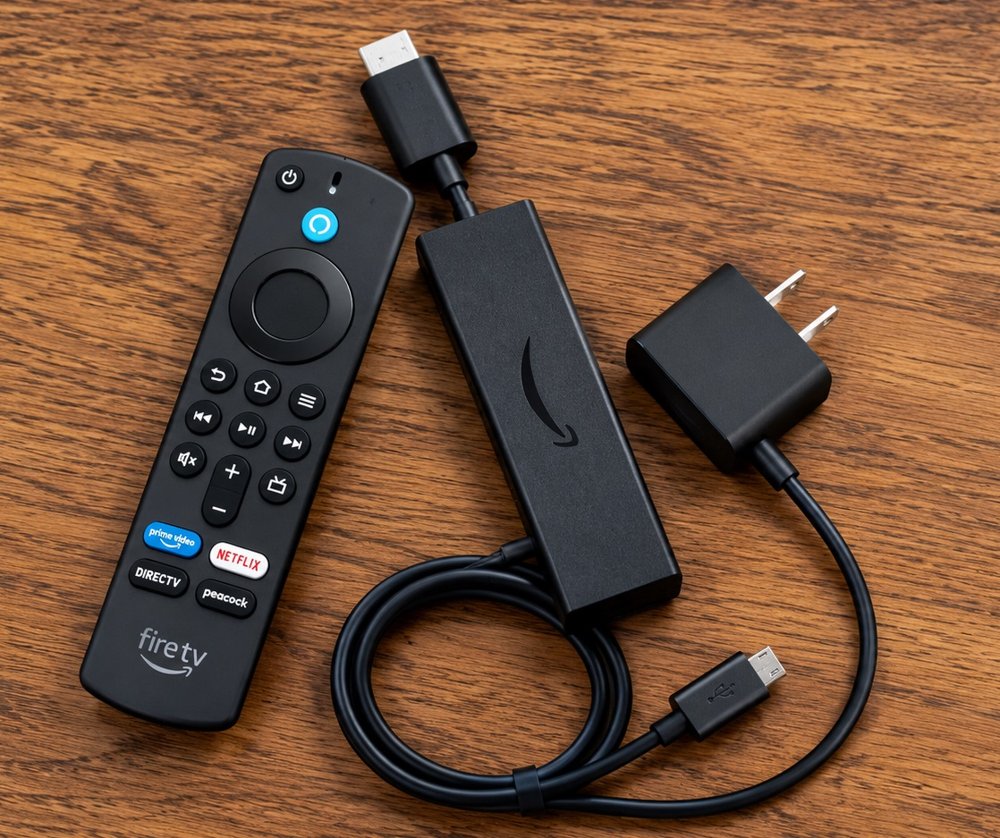
We travel with a dedicated Amazon Fire TV Stick that's already signed into our streaming services. When we get to the Airbnb, we plug it in, figure out which HDMI input the host's TV needs, and we're good to go.
We already know the platform, we know where our apps are, and we don't have to mess around trying to figure out how the host has their TV set up. It's basically like bringing a little piece of home with us.
The Bonus: Your Accounts Leave With You
When we leave, we take our accounts with us. No worrying about forgetting to sign out and leaving your Netflix history sitting there for the next guest to discover. 😂
The Only Trick
Don't forget your Fire TV Stick.
But if you do... well, they're pretty cheap. 😊